Many times the limit for uploading images in Online Forms, Government Portals, Exams, and Job Applications is only 20 KB. Larger size images cannot be uploaded and an error occurs. In such a situation, the easiest solution is – Image Convert to 20 KB Online.
Why convert the image to 20 KB?
Forms Upload Requirement – Most Government and Job Forms require images up to 20 KB.
Fast Upload – Small images get uploaded in seconds.
Storage Save – Takes less space and saves space in Mobile/Laptop.
Universal Use – Small images are required for Documents, ID Proof, and Certificates.
Method of Converting
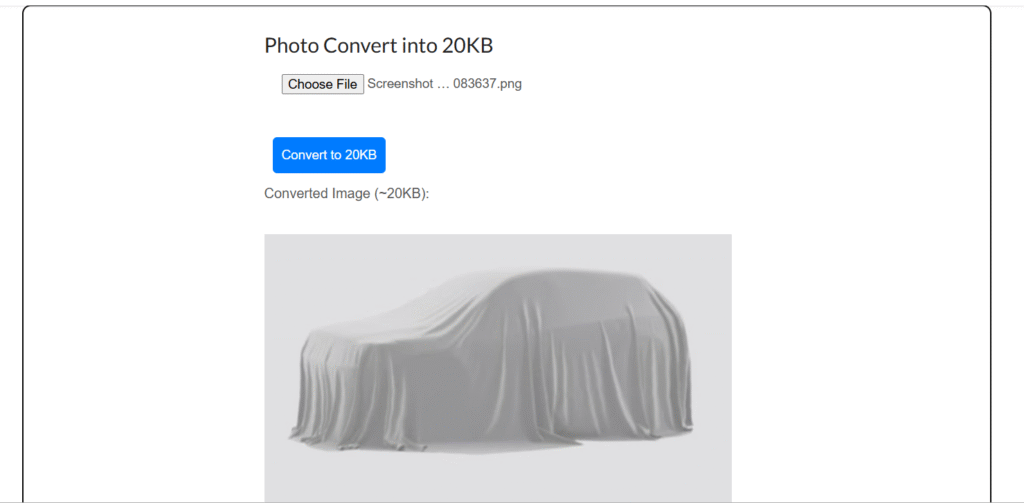
Go to the tool and upload your image.
Choose the “Compress / Resize to 20 KB” option.
The tool will automatically compress the image to within 20 KB.
Now download the converted image.
Things to keep in mind while converting
Always use JPG/JPEG format, it is the lightest.
If you want a transparent background, choose PNG format.
Too much compression may reduce the clarity of the image.
Be sure to see the preview before downloading.
Final Words
If you want a perfect size image for online forms, exams or documents, then Image Convert to 20 KB Online is the easiest and free way.
Youtube tag generate online YouTube Tag Generate – Free Online Tool If you make YouTube videos, then you will know how important it is to... Continue reading
word count online Word Count Online – Counting words in a document Sometimes we need to know how many words are there in our document,... Continue reading
online typing test exam Typing Test Exam Online – Check your Typing Speed and Accuracy In today’s digital era, Typing Skill is important for every... Continue reading





Add comment