Nowadays WebP Format has become the most popular for Website Speed and SEO. Google created WebP so that images are in high quality but the file size is very small. If your image is in JPG, PNG or any other format and you want to convert it to WebP, then the easiest way is – Image Convert to WebP Online.
What is WebP Format and why is it popular?
Lightweight File Size – WebP images are 30-50% lighter than JPG and PNG.
High Quality – Image quality remains intact despite file compression.
SEO Friendly – Google considers websites with WebP format to be fast.
Universal Support – Now Chrome, Edge, Firefox and all modern browsers support WebP
How to Convert
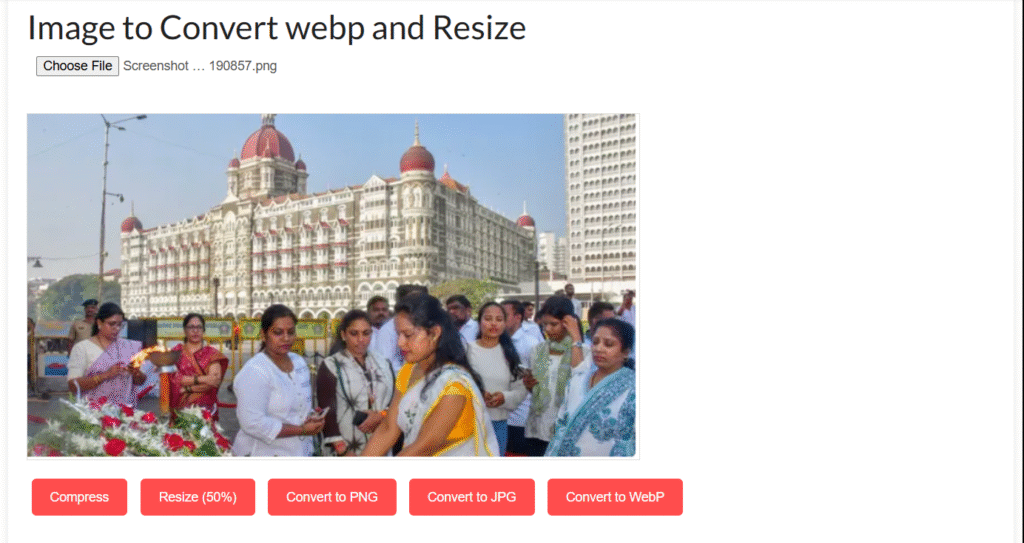
Go to the tool and select the “Convert to WebP” option.
Upload your image (JPG, PNG, BMP etc.)
Click on the “Convert” button.
Your image will be converted to WebP format in a few seconds.
Now download the converted WebP image.
Things to keep in mind while converting
WebP also supports transparent background (like PNG).
If you want to improve your website speed, then WebP is the best option.
Using WebP format in WordPress or Blogger website can improve SEO ranking.
Some old browsers do not support WebP, so keep backup JPG/PNG as well
Youtube tag generate online YouTube Tag Generate – Free Online Tool If you make YouTube videos, then you will know how important it is to... Continue reading
word count online Word Count Online – Counting words in a document Sometimes we need to know how many words are there in our document,... Continue reading
online typing test exam Typing Test Exam Online – Check your Typing Speed and Accuracy In today’s digital era, Typing Skill is important for every... Continue reading



Add comment