Sometimes your image orientation is not correct or you want to rotate it at the correct angle. In such a case, Rotate Image Online Tool is the easiest and fastest way. Rotate image online
Why is Image Rotate important?
Correct Orientation – Image should appear at the correct angle in Landscape or Portrait.
Social Media Ready – Image should appear perfect for uploading on Instagram, Facebook or Website.
Easy Editing – Rotate Image without Photoshop or Advanced Software.
Multiple Formats Support – Works in JPG, PNG, JPEG and other formats.
How to Rotate
Go to Tool and select “Rotate Image” option.
Upload your image (JPG, PNG, JPEG).
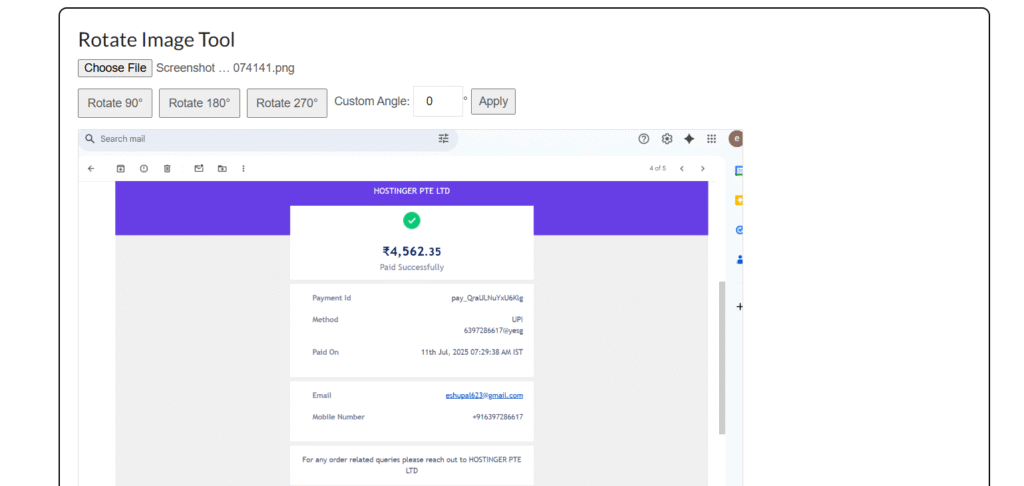
Select Rotation Angle (90°, 180°, 270° or Custom Angle).
Click on “Rotate” button.
The image will be rotated in a few seconds.
Download the rotated image.
Things to keep in mind while rotating
Upload high quality image so that there is no quality loss on rotating.
If there are multiple images, then some tools support batch rotate.
Use a trusted tool for sensitive or private images.
Check the size before rotating large image files.
Final Words
If you want to correct your image orientation, then Rotate Image Online Tool is the fastest and easiest solution.
Youtube tag generate online YouTube Tag Generate – Free Online Tool If you make YouTube videos, then you will know how important it is to... Continue reading
word count online Word Count Online – Counting words in a document Sometimes we need to know how many words are there in our document,... Continue reading
online typing test exam Typing Test Exam Online – Check your Typing Speed and Accuracy In today’s digital era, Typing Skill is important for every... Continue reading





Add comment